
Insights
What Are AI Agents? A Practical Guide for Ops and Product Leaders
Most "AI agent" projects stall for one reason: nobody agreed on what an agent is supposed to do differently from a chatbot or a script. This guide draws the practical line, and covers the governance work that actually determines whether an agent survives contact with production.
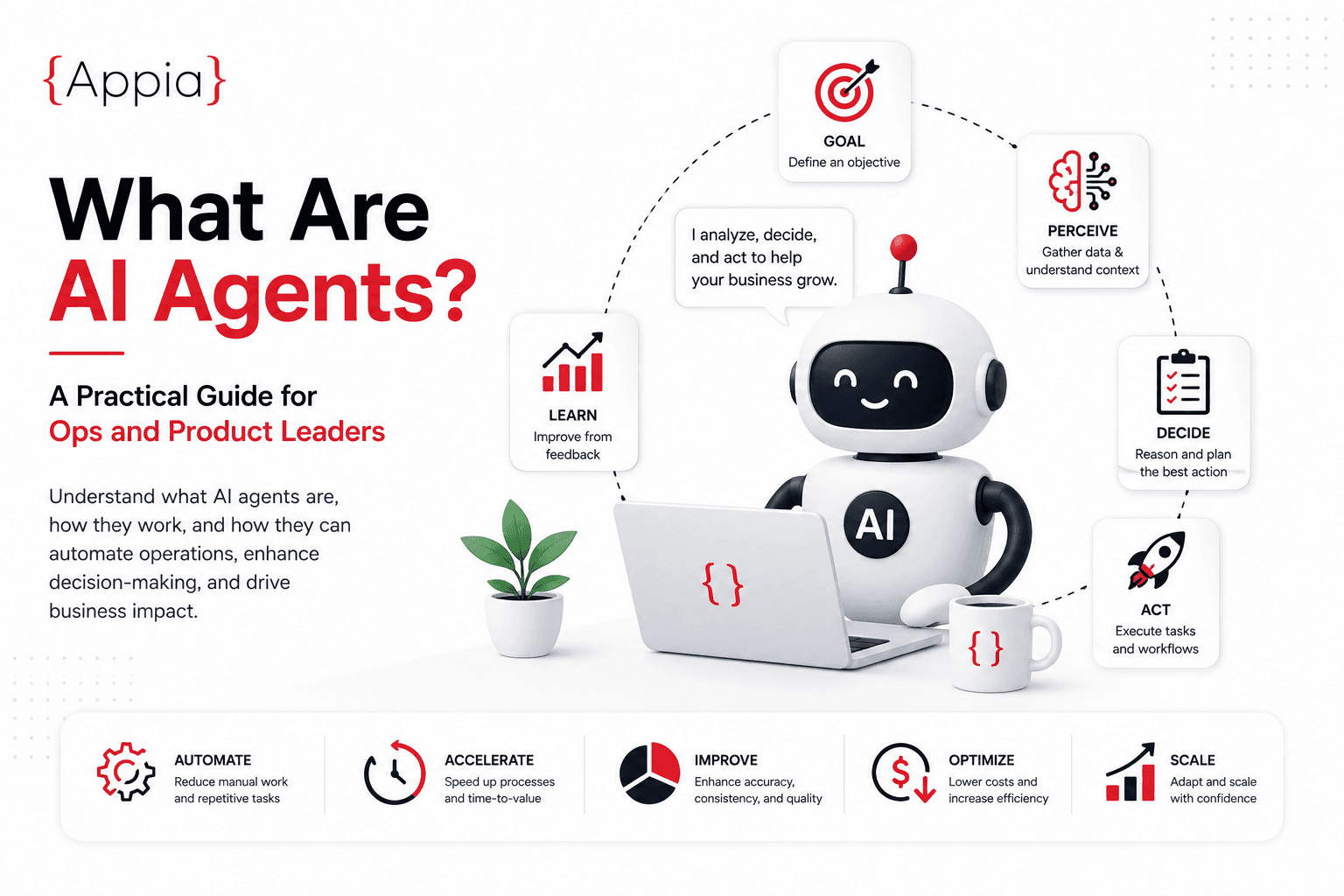
Chatbot, RPA, or AI agent — what's the actual difference?
Most "AI agent" projects fail for one reason: the team never agreed on what an agent is supposed to do differently from a chatbot or a script. Three categories are easy to confuse:
- Chatbot / assistant — replies to a prompt inside one turn, or a short back-and-forth. It doesn't act on systems on its own.
- RPA / workflow automation — follows a fixed, pre-programmed sequence of steps. Reliable, but brittle when inputs vary.
- AI agent — uses a language model to decide which steps to take, in what order, adjusting as it goes, and calling tools or APIs to get there.
The practical test: if the system can only respond, it's a chatbot. If it can only follow a script you wrote, it's automation. If it can plan a path toward a goal and adapt when a step fails, it's an agent.
When an agent is the right tool
Agents earn their complexity when a task has:
- Variable inputs that don't fit a fixed script — support tickets, contracts, unstructured customer data
- Multiple systems to check or update — CRM, ERP, ticketing, internal APIs
- A judgment step, where deciding what to do next depends on what the last step returned
If none of those are true, workflow automation or RPA is usually the better call — cheaper to build and easier to audit.
Single agent vs multi-agent
Most production agent systems in the wild are a single agent with several tools, not a swarm of specialized agents talking to each other. Multi-agent setups add real coordination overhead — more failure points, harder debugging, higher latency — and are worth it mainly when distinct tasks genuinely need distinct context or permissions, for example a research agent that hands verified findings to a separate agent with write access to production systems.
Start with one agent and a tool belt. Split into multiple agents only when you can point to a specific coordination problem the single-agent version can't solve.
The risk that actually bites teams: unbounded action
The biggest production risk with agents isn't a wrong answer — it's an agent taking an action it shouldn't have, like sending an email, modifying a record, or calling a paid API, without a checkpoint. Three guardrails matter more than model choice:
- Scoped tool access — the agent can only call the specific APIs or actions it needs, nothing broader
- Approval gates on irreversible or high-cost actions
- Structured logging of every decision and tool call, so a failure is debuggable after the fact
A well-governed agent with a smaller model usually beats an ungoverned agent with a frontier model.
How Appia moves agent projects from pilot to production
We use a three-stage rhythm — Pilot -> Production -> Compound — for every agent engagement:
- Pilot: a narrow, single-workflow agent, tested against real (not synthetic) inputs, with a human reviewing every action for the first stretch.
- Production: the agent runs with defined guardrails, monitoring, and a clear owner on the client side, not just "it works in the demo."
- Compound: once the first agent is stable, we extend the same architecture — tool definitions, logging, approval patterns — to adjacent workflows instead of starting over.
This is the same pattern behind our AI automation engagements, whether we're running the build as a project team or an embedded pod.
Getting started without over-committing
If you're evaluating agents for the first time, pick one workflow where a mistake is cheap to catch and reverse, not your highest-stakes process. Ship that narrow version, watch it in production for a few weeks, and only then decide whether to extend the pattern.
What "tool access" actually means in an agent build
An agent's tools are just functions it's allowed to call — send an email, query a database, update a record, search a knowledge base. Defining these narrowly up front, a "look up order status" tool rather than a general "query the database" tool, is what makes an agent's behavior predictable. The broader the tool, the more ways the agent can misuse it, even unintentionally.
How to know a pilot is ready to leave supervision
A pilot is ready for reduced human review when it's been run against a representative volume of real inputs, its error rate on those inputs is understood rather than assumed to be zero, and every failure mode observed so far has either been fixed or has an acceptable fallback. Moving to production before that, because the demo went well, is the most common reason agent projects get walked back after launch.
What good agent monitoring actually tracks
- Which tools were called, with what inputs, and what the result was
- How often the agent's output required a human correction, and why
- Cost per completed task, not just per API call — retries and multi-step tasks add up differently than a single chatbot response
- Cases where the agent didn't act at all because it couldn't resolve ambiguity — these are often more informative than the cases where it acted incorrectly
Want a second opinion on whether a workflow you're looking at is actually a good agent candidate? Talk to us.